Teclo
Hear a mechanical keyboard click on every key you type on your Mac
ForMac users who like to hear their typing Mac
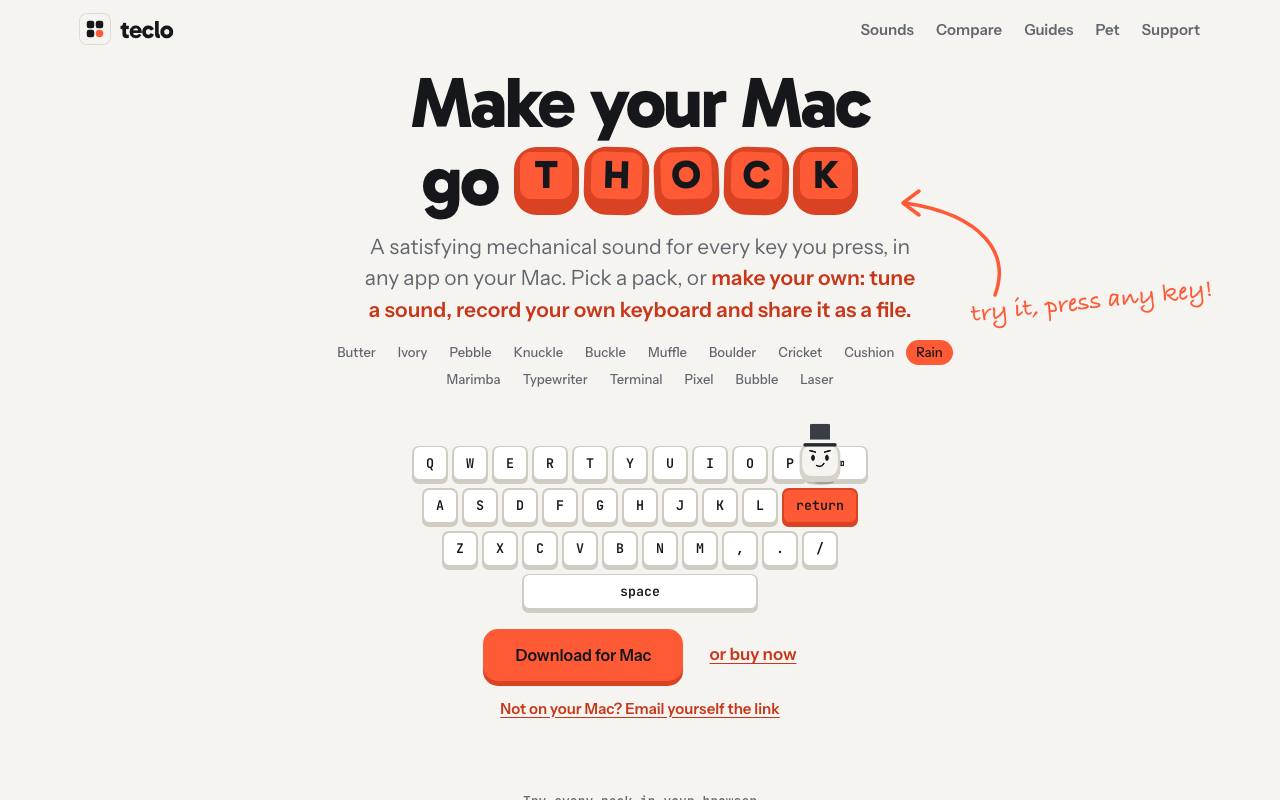
Laptop keys answer every press with a flat little tap; the mechanical board you miss would annoy the whole office. From the Mac menu bar, Teclo plays a keyboard sound for each key you press, in any app. Pressing and releasing a key sound different, as on a real board, and with headphones on only you hear it.
All 16 sound packs are synthesized: one copies silent switches on foam, another a typewriter that rings a bell on Return. Every pack can be played in the browser on the sounds page before you download anything. In the app, five sliders turn an existing pack into a new sound, and a Record mode captures your own keyboard. Mouse clicks and scrolling can make a sound too.
A keycap with a face stays on top of your windows and follows your typing speed. It wakes at the first key and powers up as you hold a fast pace, and it can wear a picture of your own or be hidden while the sounds keep playing.
To hear keys in other apps, Teclo needs the Input Monitoring permission in macOS. The privacy page says the app keeps no record of what you type and has no account system. Teclo runs on macOS 13 and later.
Good fit if you…
- miss the sound of a mechanical keyboard while typing on a laptop
- want typing sounds you can hear on headphones without disturbing others
Made Teclo? Get the badge
You're welcome to show the listing on your site. It's optional and free, and nothing about the listing depends on it.

Share the listing
More in Productivity & Collaboration
See all →
BriefPatch
Agree on scope, feedback rounds and handoff with a client before the job grows

DeckDesh
Send your pitch deck as a private link on your own website and see when it gets opened

Novastart
Keep every app on one zoomable desktop that is still set up when you come back tomorrow

Numbers2Excel
Open a spreadsheet someone made on a Mac by turning the .numbers file into Excel

Aftermath File Fixer
Shrink a video or resize a photo to fit a form, right in your browser