
Save Gmail Emails as PDF in Bulk
Turn a pile of Gmail emails into PDFs at once, or merge them into one file to print
Forpeople who keep emails on file as PDFs, from receipts to client threads Browser extension
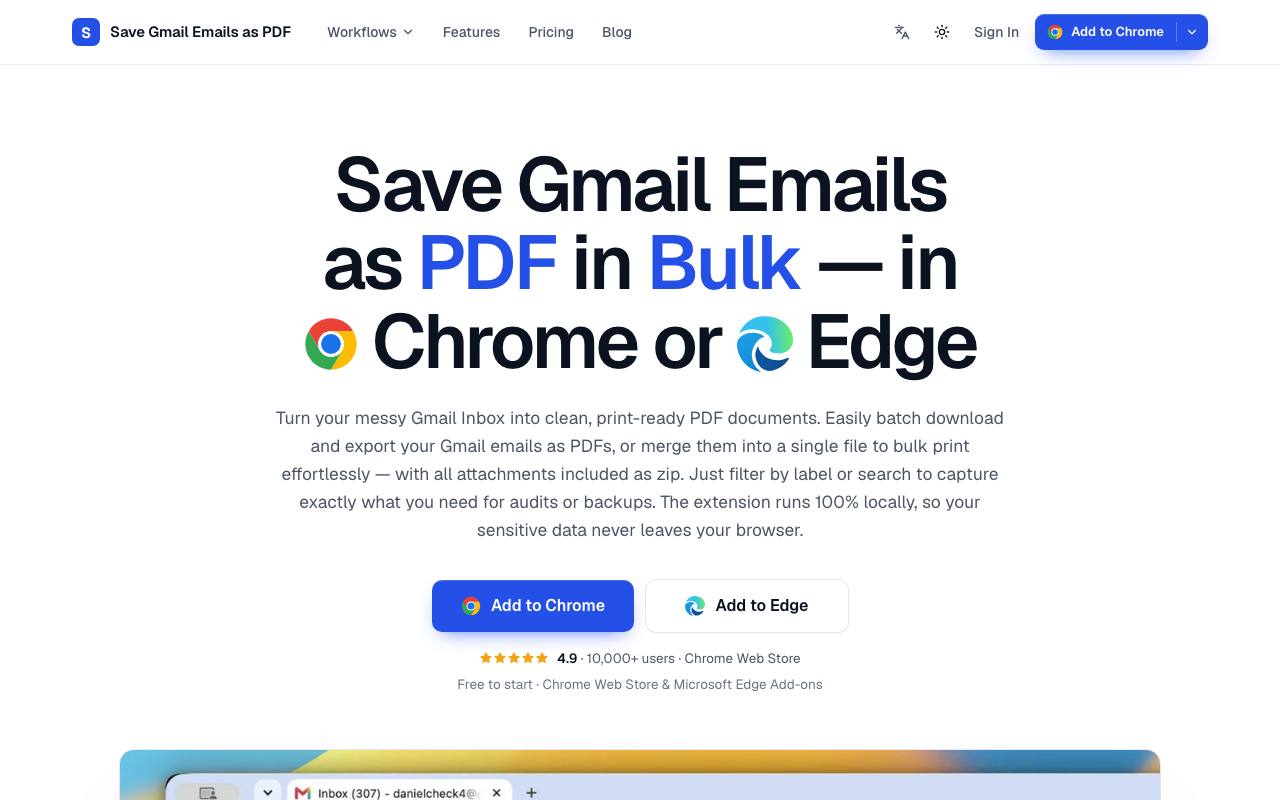
Your accountant wants every receipt from last month as a PDF, and they are all sitting in Gmail. Gmail prints one conversation at a time, so that means opening and saving each email separately, one after another. This extension adds PDF and Print buttons to Gmail's toolbar in Chrome or Edge. You tick emails or select a whole label, sender or search result, and each message becomes a separate PDF with the attachments zipped beside it.
Print merges up to 50 emails into one document with one email per page, ready to save or send to a printer. A filename template puts the date and sender into every file name, and paper size and orientation are set once for all exports. The privacy policy says PDFs are built in the browser and email content stays off the maker's servers. It works with personal Gmail and Google Workspace accounts.
Good fit if you…
- need to file invoices, receipts or a label's worth of emails as separate PDFs
- want to print a whole thread or a batch of emails as one job
Made Save Gmail Emails as PDF in Bulk? Get the badge
You're welcome to show the listing on your site. It's optional and free, and nothing about the listing depends on it.

Share the listing
More in Productivity & Collaboration
See all →
BriefPatch
Agree on scope, feedback rounds and handoff with a client before the job grows

DeckDesh
Send your pitch deck as a private link on your own website and see when it gets opened

Novastart
Keep every app on one zoomable desktop that is still set up when you come back tomorrow

Numbers2Excel
Open a spreadsheet someone made on a Mac by turning the .numbers file into Excel

Aftermath File Fixer
Shrink a video or resize a photo to fit a form, right in your browser