
IcyZip
Move text and a file between your phone and computer by scanning a QR code
Forpeople who keep emailing links and photos to themselves Web
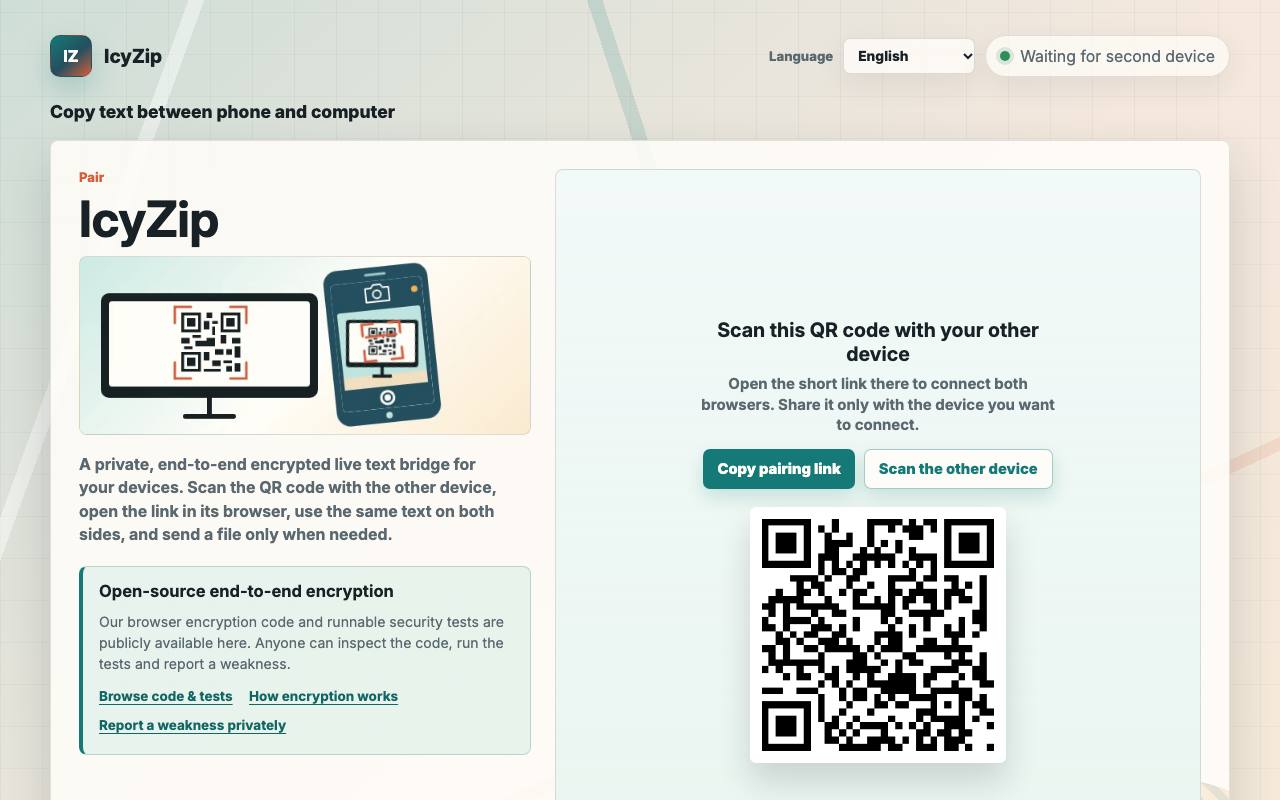
To get a link from your phone onto the laptop beside it, you probably email it to yourself and then hunt for it in the inbox. With IcyZip the two browsers pair up: the phone scans a QR code on the computer screen or opens the short link that comes with it. From then on both screens show the same text field, and whatever you paste on one side can be copied on the other.
A file button sends one file per transfer, up to 25 MB. Both browsers have to stay open and online while it travels. Text and files are encrypted in the sending browser, and the privacy policy says the server relays the scrambled data and keeps no copy of it. A check button shows a long code on both devices, and matching codes confirm the encrypted link between them.
The encryption code and its tests are open source under the Apache 2.0 license. Anyone with Node.js can download and run them, while the server software stays closed. IcyZip runs in the browser without sign-up, and the interface comes in eight languages.
Good fit if you…
- need a quick way to pass a code, note or link between your own devices
- want to move a photo or document from a phone to a desktop browser
Made IcyZip? Get the badge
You're welcome to show the listing on your site. It's optional and free, and nothing about the listing depends on it.

Share the listing
More in Productivity & Collaboration
See all →
BriefPatch
Agree on scope, feedback rounds and handoff with a client before the job grows

DeckDesh
Send your pitch deck as a private link on your own website and see when it gets opened

Novastart
Keep every app on one zoomable desktop that is still set up when you come back tomorrow

Numbers2Excel
Open a spreadsheet someone made on a Mac by turning the .numbers file into Excel

Aftermath File Fixer
Shrink a video or resize a photo to fit a form, right in your browser