BRCKS
Sort building-site chat and photos by job, and turn messages into snags or orders
ForUK builders and trades who run jobs over WhatsApp Web, iPhone, Android
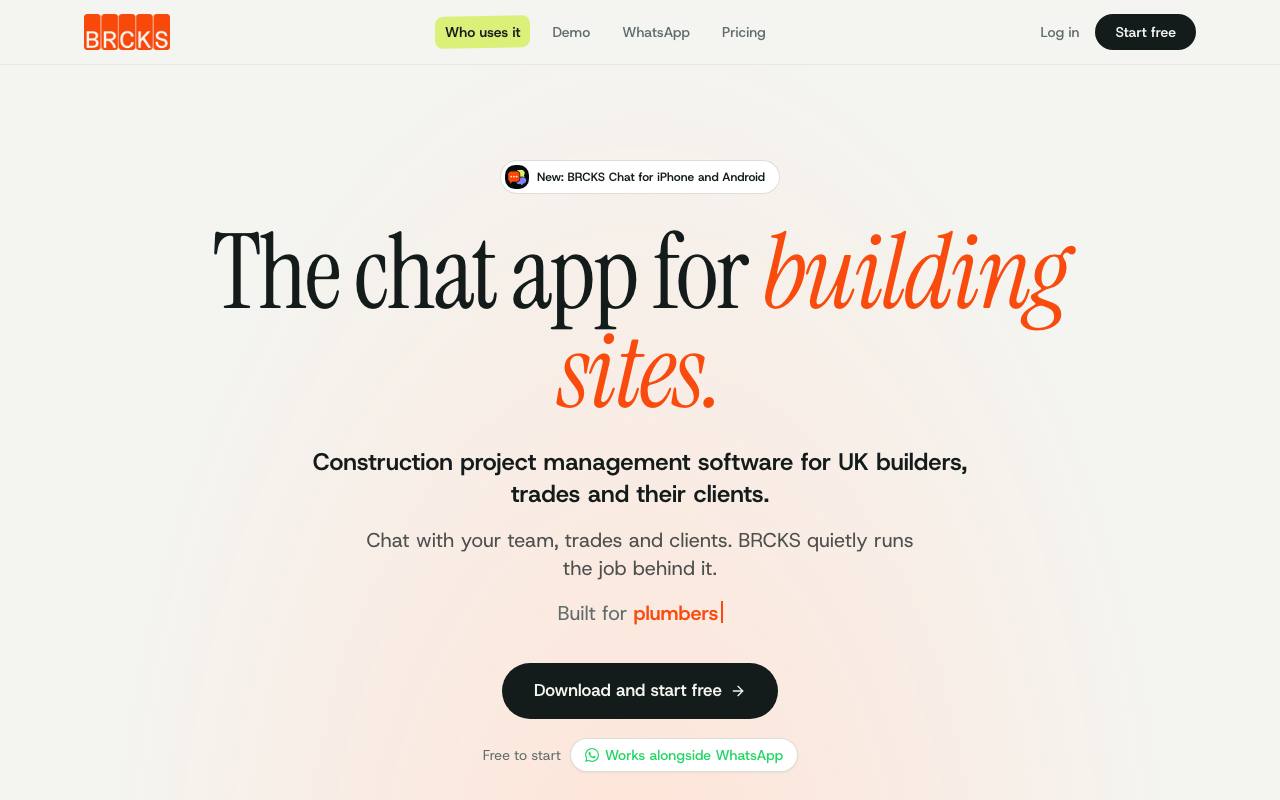
The real project file on a building job tends to be a WhatsApp group, where Monday's photo of the cracked tile is now hundreds of messages up. With BRCKS the team keeps chatting, and photos sent in a project chat are filed to that job. A message like "Building control Thursday 10am" comes back as a calendar event to pin.
One tap turns other messages into a task, a checklist item, a material order or a snag, the builder's word for a defect to fix. The site crew works in the BRCKS Chat app on iPhone or Android, while the office runs projects and the team diary from BRCKS Web. Subcontractors and clients can stay in WhatsApp and log snags and photos there with a short message.
Arrive on site and the app shows what is still open on that job, next to the gate code and Wi-Fi details. Clients see only the updates and photos the builder publishes to their portal. The software follows UK practice throughout, down to VAT and the evidence building inspectors ask for.
Good fit if you…
- run building jobs through WhatsApp groups today
- work with subcontractors who want to stay on WhatsApp
Made BRCKS? Get the badge
You're welcome to show the listing on your site. It's optional and free, and nothing about the listing depends on it.

Share the listing
More in Productivity & Collaboration
See all →
BriefPatch
Agree on scope, feedback rounds and handoff with a client before the job grows

DeckDesh
Send your pitch deck as a private link on your own website and see when it gets opened

Novastart
Keep every app on one zoomable desktop that is still set up when you come back tomorrow

Numbers2Excel
Open a spreadsheet someone made on a Mac by turning the .numbers file into Excel

Aftermath File Fixer
Shrink a video or resize a photo to fit a form, right in your browser