Shapefile Converter
Make shapefiles for QGIS or ArcGIS from Google Earth files, inside your browser
Forsurveyors, planners and GIS students who move map data between programs Web
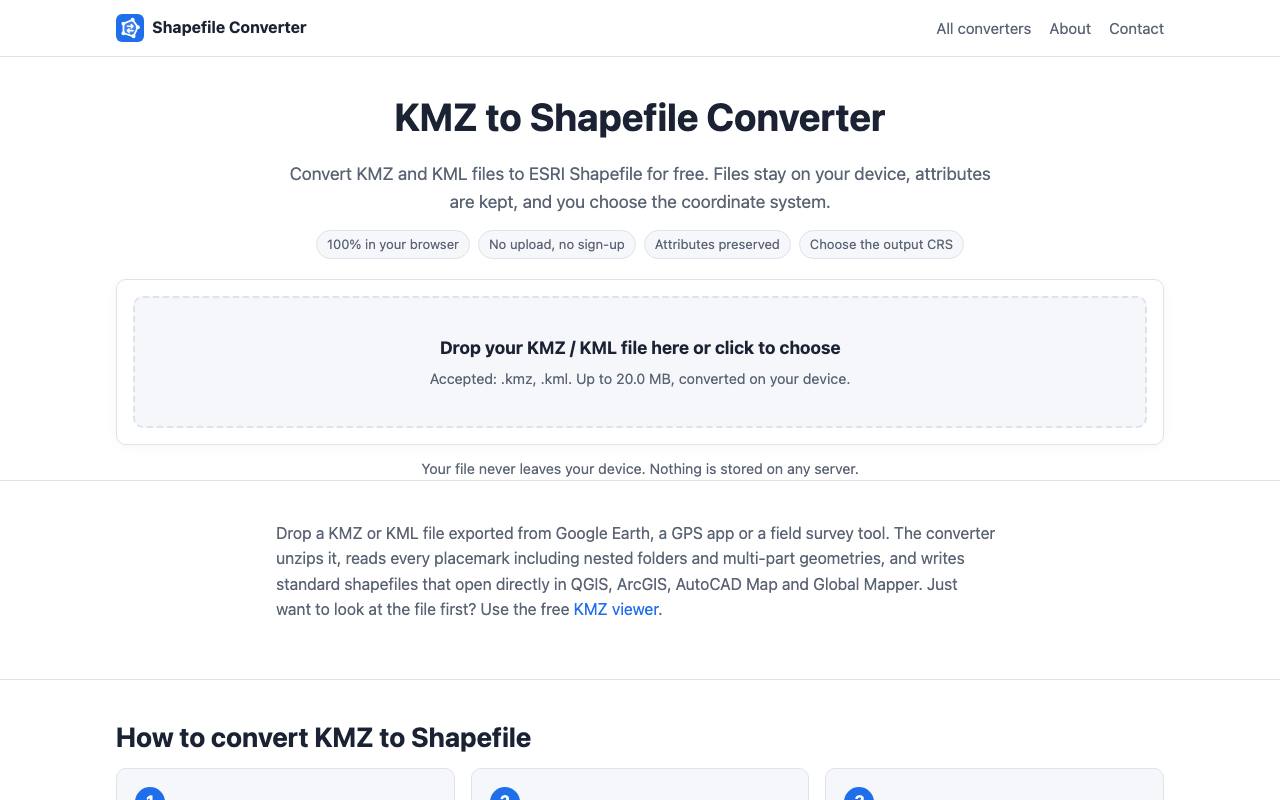
The survey team's plot boundaries arrive as a Google Earth file and meet a mapping program that only opens shapefiles. The detour runs through installing GIS software or uploading confidential land data to a converter website. Shapefile Converter does the work inside the browser tab, and the privacy page says the file never reaches its servers.
A map preview shows every placemark before conversion, which catches a misread file early. Each shapefile holds one kind of shape, so points, lines and polygons come out as separate files in one ZIP. Names and extra data fields become columns, even the small tables Google Earth tucks into descriptions. Coordinates stay in plain latitude and longitude, or the tool suggests a UTM zone for distances in metres.
Eleven more converters on the site go from shapefile back to KML and on to GeoJSON, GPX and Excel sheets. The about page says each direction is tested by converting files there and back and checking them with GDAL, the library behind QGIS. Files can be up to 20 MB, and a loaded page keeps working without a connection.
Good fit if you…
- get map data as Google Earth files but work in QGIS or ArcGIS
- handle survey or land records that should stay on your own computer
Made Shapefile Converter? Get the badge
You're welcome to show the listing on your site. It's optional and free, and nothing about the listing depends on it.

Share the listing
More in Data, Security & IT
See all →
Data Import Mapper
Clean up a spreadsheet before it goes into new software, and see every row that fails

ED2K Tool
Make ED2K links for cloud drives from files on your own computer, hashed in the browser

PC Tweaker
Change hidden Windows settings for gaming or privacy and roll them back later

Phishnoo
Send your own staff fake scam emails and texts, then train whoever takes the bait

ping123
See what websites learn about your connection and check your VPN for leaks