DNS Notify
Get an email when your domain's settings, certificate or registration change
Forpeople who run their own domains and want to know when something changes Web
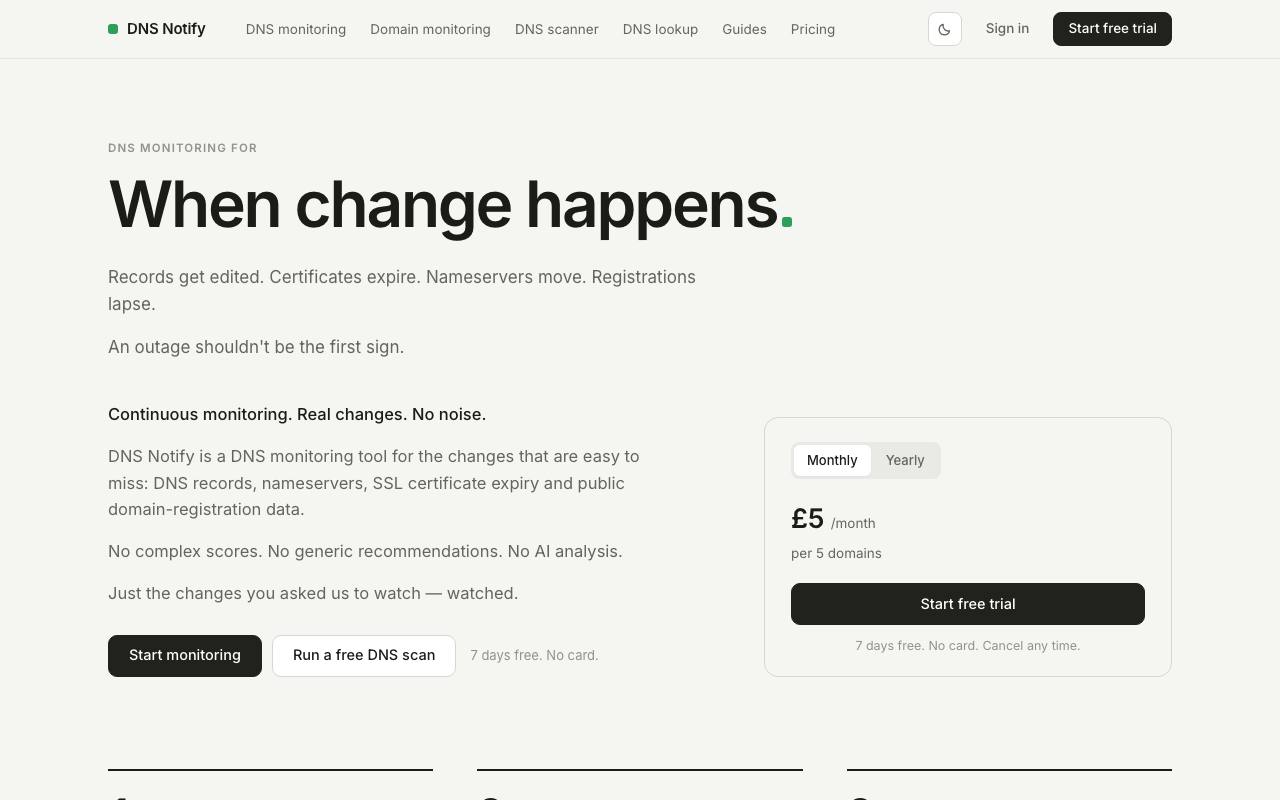
Someone tidies up the domain settings on a Friday, and all weekend the company email goes somewhere else. The website still loads, so nobody notices. The settings behind a domain decide where its website and email go, and DNS Notify checks them, the domain's DNS records, on a schedule. When one differs from the value you approved, you get an email showing the old value next to the new one.
Setup starts with a scan of the domain, after which you tick the records worth watching. The checks go straight to the domain's own nameservers, which hold the original records, so a stored copy elsewhere cannot hide a change. Accepting a planned change makes it the new value to compare against.
Checks run every 5 to 60 minutes, depending on how many domains are active, the methodology page says. The service also notices when the domain moves to other nameservers and when its SSL certificate or registration nears expiry.
Some events stay on the domain's timeline without an email: a renewed certificate, say, or a change that reverts. All alerts arrive by email, and a lookup that fails four runs in a row triggers one. DNS Notify works from public data alone, so your DNS provider login stays with you and the service can only watch the records.
Good fit if you…
- want proof of what changed in your DNS, with the before and after
- look after the email setup of a domain and need to know when its mail records move
Made DNS Notify? Get the badge
You're welcome to show the listing on your site. It's optional and free, and nothing about the listing depends on it.

Share the listing
More in Data, Security & IT
See all →
Data Import Mapper
Clean up a spreadsheet before it goes into new software, and see every row that fails

ED2K Tool
Make ED2K links for cloud drives from files on your own computer, hashed in the browser

PC Tweaker
Change hidden Windows settings for gaming or privacy and roll them back later

Phishnoo
Send your own staff fake scam emails and texts, then train whoever takes the bait

ping123
See what websites learn about your connection and check your VPN for leaks