Tickin
Clock in, ask for leave and get it approved without leaving Slack or Teams
Forsmall and mid-sized teams whose work already runs through Slack or Microsoft Teams Web, Mac, Windows, Linux
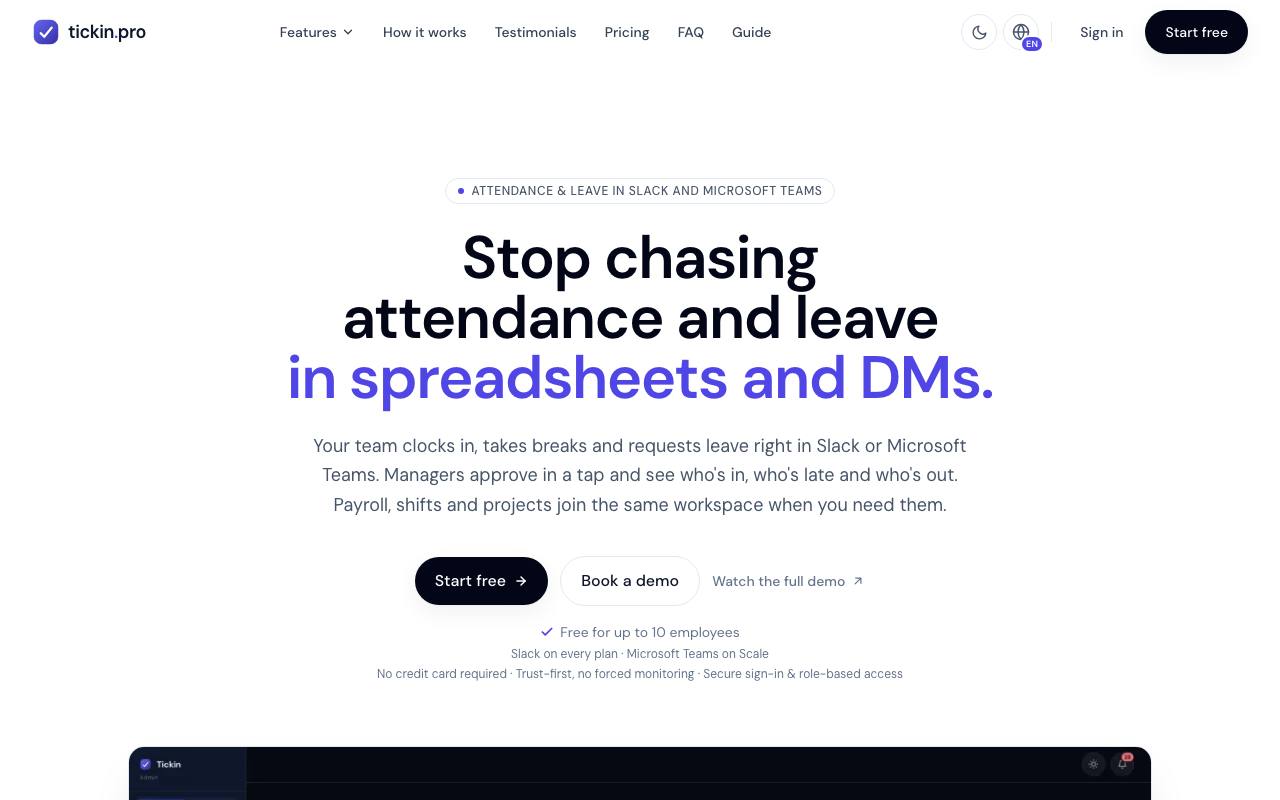
In a small company, attendance lives in a spreadsheet nobody fills in, and leave requests arrive as a chat message that has scrolled out of sight by lunch. Tickin moves both into the chat tool the team keeps open all day. An employee types one command in Slack or Microsoft Teams to clock in or ask for a day off. The manager approves the request in the same chat.
The recorded hours become timesheets with breaks already deducted, and a late arrival is reported to the manager once per working day. Leave follows policies the company sets, with half days and public-holiday calendars. A daily message in a channel shows who is away or working from home. Payroll with payslips and shift schedules can be added, and so can projects with time logged per task. Microsoft Teams comes only with the largest package, while Slack is always included.
A desktop app, offered as an add-on, subtracts idle time from worked hours and can check a clock-in against the office address. It also carries the monitoring part, which records app and website time plus periodic screenshots and stays off until an admin switches it on. Employees can open their own record, screenshots included. While the location check is on, clocking in from chat is disabled and employees use the web portal or the desktop app.
Good fit if you…
- want attendance and leave handled where your team already chats
- need timesheets that feed payroll without a separate time clock
Made Tickin? Get the badge
You're welcome to show the listing on your site. It's optional and free, and nothing about the listing depends on it.

Share the listing
More in HR & Recruiting
See all →
Auzmor
Assign staff training with due dates and see who has finished it

AI Mock Interview
Rehearse job and admissions interviews out loud and get feedback on every answer

caio.pro
Find Chief AI Officer and Head of AI jobs, with each posting's gaps and red flags noted

Prizm
Find out if a job suits you, then get a CV and cover letter rewritten for it

CVLaunchpad
Build a CV and a matching cover letter from a template, then download them as PDF