For readers By Rade Kolbas7 November 20267 min read
That free PDF converter keeps billing you.Every month.
Some online converters do the job for free, then charge a few cents to download the result and quietly start a monthly subscription. How to spot the trap before you pay, and how to get out if you're already in.
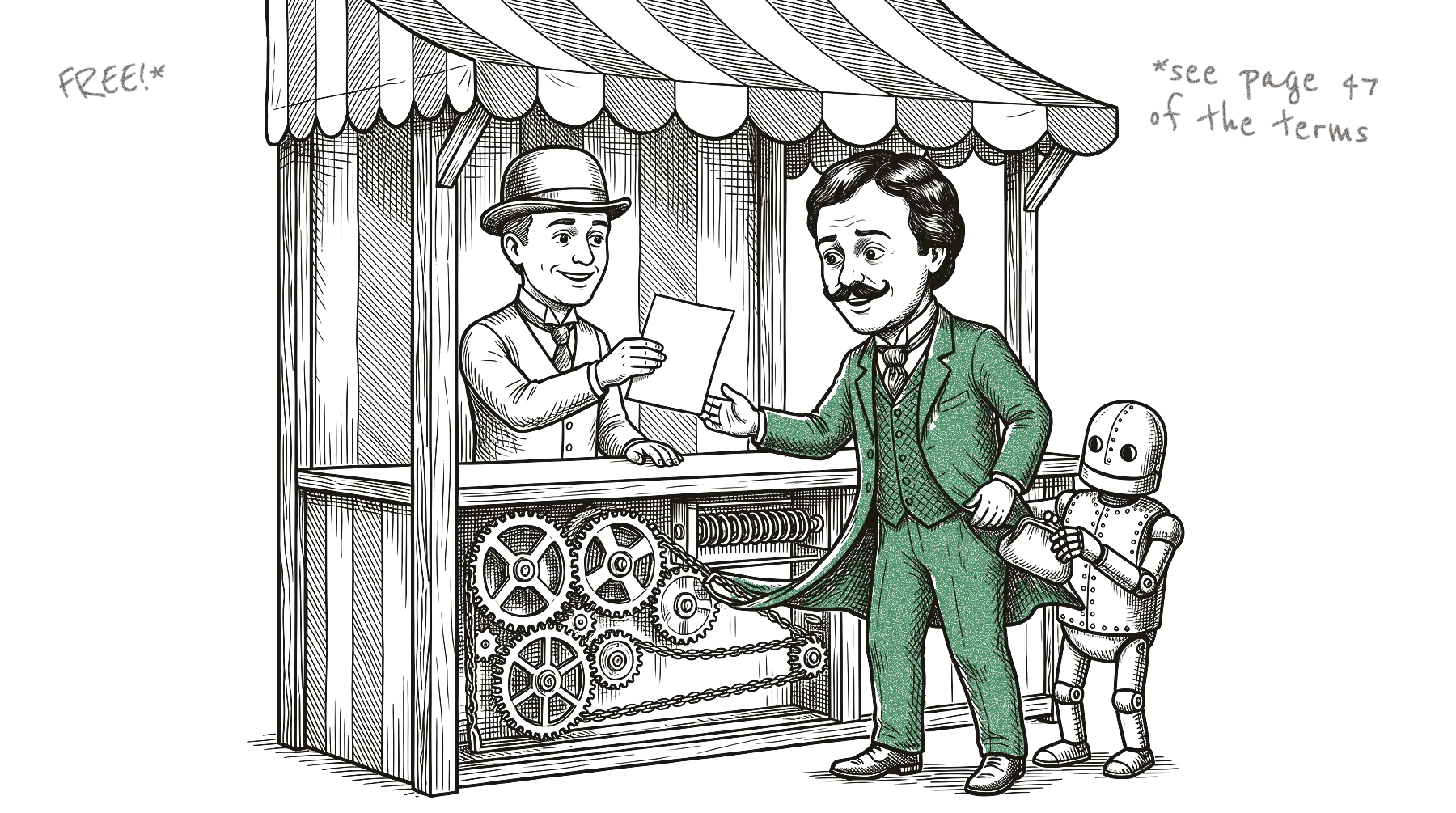
It’s late, and a form wants your document as a PDF. You search for a converter, drop the file on the first site that looks right, and a minute later the PDF is ready. To download it, the site asks for a small fee, maybe 10 cents, maybe 99. That seems fair, so you type in your card number.
A few weeks later your bank statement shows a charge of around 50 euros, and another one a month after that. Somewhere in the small print near the button, you had agreed to a monthly subscription.
German consumer advisers warned about this pattern in 2025. Their example was a Word-to-PDF conversion for 10 cents, with a subscription for 50 euros a month in the small print unless you cancelled within 24 hours. The site behind it didn’t name a company, which I find bold for a shop that wants your card number.
Black Friday is coming, and I suspect most of us click faster than usual that week. If it has already happened to you, skip to “Already caught?” below.
The numbers behind it
The UK government estimated in 2023 that people there spend around £1.6 billion a year on subscriptions they don’t think are good value. About £602 million of that comes from free trials that rolled over into paid plans.
In 2024, consumer authorities from 26 countries looked at 642 websites and apps that sell subscriptions. Nearly 76% used at least one possible “dark pattern”, a design trick that pushes you into something you didn’t quite choose. The most common ones were hiding or delaying information, and boxes that were already ticked for you.
I run SaaSolution, a free directory of new software, so I also see this from the other side: people send in their products to be listed, and now and then one of them is a tool like this. A few days ago we turned down a PDF site. Until two days before it applied, its terms sold a trial for 0.99 that turned into a monthly subscription.
The warning signs, before you upload anything
“Be especially careful with free trial offers.”
European Consumer Centre Germany, April 2026
Watch for these signs:
- You only see a price after the work is done. Some sites let you upload, edit and convert first. By then you have put time in and want your file.
- A tiny fee to “unlock” the download. For these sites, the money is in the subscription behind the 10 or 99 cents.
- “Free”, but it wants your card number. If something is really free, it doesn’t need your payment details.
- Small text near the pay button. Read it, even if it’s annoying. The monthly price can hide there.
- No company name or address. Look for a “legal”, “contact” or “about” page. If you can’t find who runs the site, don’t pay them.
- A countdown or “offer ends in 10 minutes”. I think the pressure is there to stop you from reading.
- Boxes that are already ticked. Untick anything you didn’t choose yourself.
- A weekly price. This one is only my own observation: a price “per week” looks small, but it adds up quickly.
If something feels off, close the tab. There are converters that don’t ask for an account at all (more on that below).
Already caught? Here’s how to get out
- Cancel straight away, in writing. Look for a cancel button in your account first. If there isn’t one, look for a contact address on the site, in the terms, or in the email you got after paying, and send a short cancellation. Keep a copy, and take screenshots of the order page and the terms if you can still find them.
- Ask your bank to stop future payments. In the UK, Citizens Advice, a free advice charity, says your card issuer has to stop them if you ask. You can ask up to the end of the business day before the payment is due, and the bank can’t make you ask the company first. Elsewhere, call your bank anyway and ask what they can block. Stopping the payment doesn’t end the contract itself, so cancel as well.
- Dispute the charge. This means asking your bank to take the money back, usually by phone, in your banking app or with a form. The US Federal Trade Commission tells people to do it “right away” if they were billed without consent and the site refuses a refund. Time limits apply, so don’t wait for the next statement.
- Mention the missing reminder. If you paid with a Visa card: since 2020, Visa requires sellers with free trials or intro offers to send a reminder at least seven days before the first regular charge, and to offer an easy way to cancel online. If you never got one, tell your bank. It may help your case, though there’s no guarantee of a refund.
- Check the other places money leaves. Subscriptions bought inside a phone app are cancelled in your phone’s settings or in the app store. Google Play’s help page says that uninstalling the app doesn’t cancel the subscription. PayPal also lets you see and cancel automatic payments in your account settings.
What the law says where you live
The rules differ a lot by country, and some of the news you may have read is out of date.
- United States: The federal “click-to-cancel” rule was struck down by a court in July 2025, and the Federal Trade Commission has started over without a new rule so far. An older law from 2010, the Restore Online Shoppers’ Confidence Act, still applies: before charging you, an online seller must show the important terms, get your clear consent and give you a simple way to stop the payments. Some states, such as California, have their own rules on top.
- United Kingdom: New subscription rules, with reminders and an easy way out, are planned for contracts from 1 January 2027 if Parliament approves them. They won’t help with anything you sign before then. Today, stopping the payment through your bank is one of the quickest things you can do.
- European Union: You usually have 14 days to withdraw from an online contract. Sites selling digital content can remove that right. To do so, you must have agreed to start straight away and confirmed that you lose the right, and the site must have confirmed it to you. That is often what the little “start now” checkbox is for. Since 19 June 2026, online shops must also show a clear “withdraw from contract” button during those 14 days.
- Germany: Subscriptions sold online also need a “cancel contracts here” button. If it’s missing, you can cancel at any time without notice.
- Switzerland: According to the Swiss consumer foundation SKS, an automatic renewal is only acceptable if you were told about it clearly and in time, and if it isn’t even in the terms, you aren’t bound by it. Swiss law also gives you no general right to withdraw from online purchases. SKS advises cancelling right at the start and getting the cancellation confirmed in writing.
None of this is legal advice. If a lot of money is involved, a consumer advice centre near you can help, often for free.
Converters that need no account
Not every converter works like this. Our listings describe these as working in the browser without an account:
- FileMerges merges files in your browser, and the site says the files stay on your computer.
- O.Convertor fixes PDFs and converts subtitle files on your own computer, with no upload, according to its site.
- Online HEIC Convert turns iPhone photos into a PDF or into JPG copies in the browser.
- Image to JPG converts images in the browser tab, and the site says they are never sent to a server.
- MOV Compressor shrinks MOV videos on your own computer or phone, with no sign-up.
I describe these from their websites and haven’t tested them. Our listings never show prices, and sites can change their terms, so the warning signs above apply to every tool, including the ones we list.
A PDF that costs 10 cents and a card number is never just 10 cents.
Sources
- Verbraucherzentrale Niedersachsen, warning about a Word-to-PDF subscription trap, 29 July 2025
- UK Department for Business and Trade, DMCC Impact Assessment: Subscription measures, April 2023
- FTC, ICPEN and GPEN review of dark patterns in subscription services, 10 July 2024
- European Consumer Centre Germany, How to Avoid Subscription Traps Online, 8 April 2026
- Citizens Advice, Stopping a future payment on your debit or credit card
- FTC, Getting In and Out of Free Trials, Auto-Renewals, and Negative Option Subscriptions, September 2024
- Visa, new rules for subscription merchants, from 18 April 2020
- Google Play Help, cancel a subscription; Apple Support, cancel a subscription from Apple; PayPal Help, automatic payments
- FTC, Negative Option Rule, advance notice of proposed rulemaking, Federal Register, 13 March 2026
- Restore Online Shoppers’ Confidence Act, 15 U.S.C. § 8403
- Davis Wright Tremaine, on California’s updated automatic renewal law (AB 2863), October 2024
- UK Department for Business and Trade, Draft Guidance on the Consumer Subscription Contracts Regulations 2026, October 2026
- Directive 2011/83/EU, Articles 9 and 16, and Directive (EU) 2023/2673
- German Civil Code (BGB), § 312k and § 356a
- Stiftung für Konsumentenschutz (SKS), on withdrawal rights (3 November 2025) and automatic renewal (4 February 2026)