Video Object Remover
Erase a passer-by or a logo from a short video by typing what should go
Forpeople tidying up short clips they filmed themselves Web
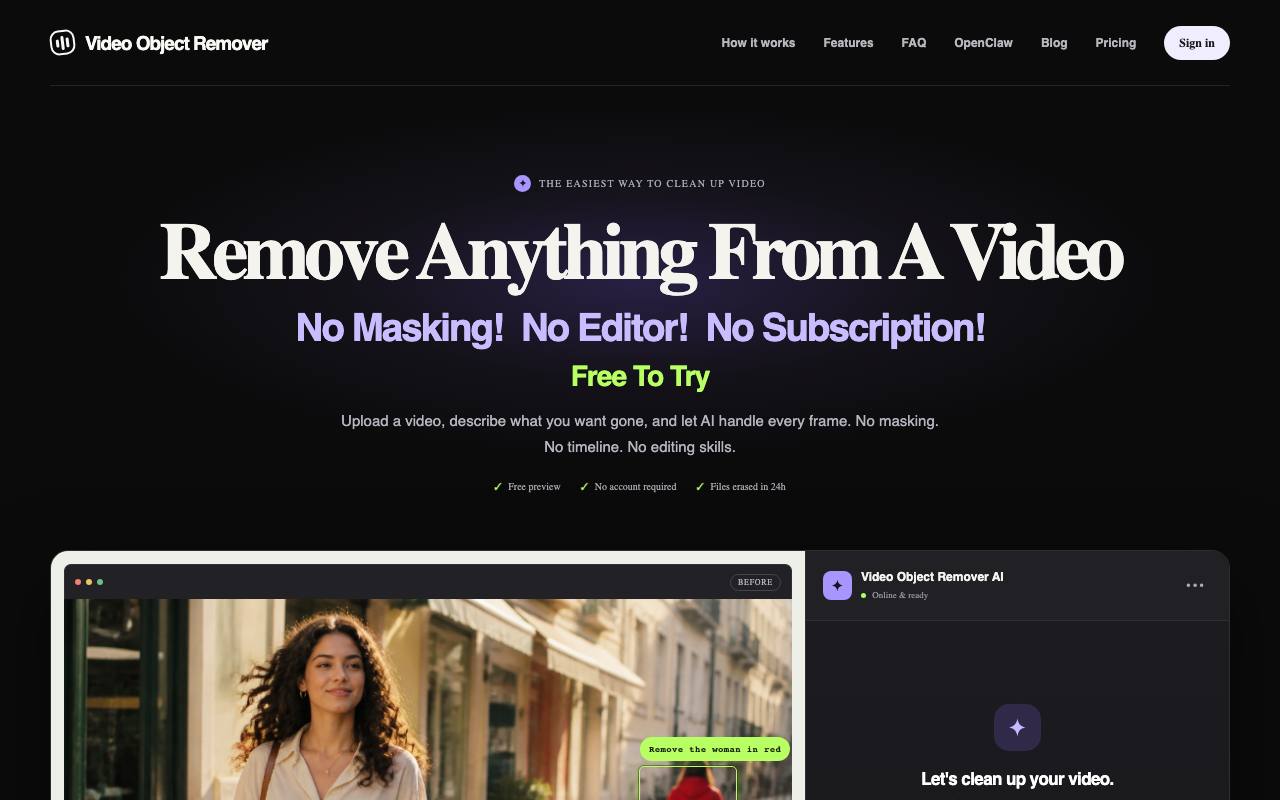
Of all the takes, a passer-by strolls through the background of the only one where everything went right. Video Object Remover erases a person or a logo from a clip once you describe it in a sentence, for example "the person on the left". That sentence replaces the mask, the outline that video editors otherwise trace around an object frame by frame.
A watermarked preview of the first five seconds works without signing in. Full processing covers clips of 2 to 60 seconds, and the privacy policy says finished videos stay in your account library for 30 days. The terms allow only footage you own or have permission to edit, and they rule out deepfakes and impersonation.
The removal itself runs on third-party AI video processing services, the terms say. For automation, the workspace hands out API keys, and a skill file lets the OpenClaw agent send a video for cleanup when you ask it to.
Good fit if you…
- want a passer-by or a stray sign gone from a clip without learning a video editor
- run an OpenClaw agent and want it to clean up videos on request
Made Video Object Remover? Get the badge
You're welcome to show the listing on your site. It's optional and free, and nothing about the listing depends on it.

Share the listing
More in Design, Photo & Video
See all →
CADProps
Open a 3D design file in the browser and read its size, volume and weight

Morie
Remove the wavy rainbow stripes from photos of screens and scanned prints

AI Icon Creator
Make an app icon from a few words and download it in every size the stores ask for

Client Review Desk
Collect client comments and approvals on each round of design images through a shared link

DishVivid
Brighten and crop photos of your real dishes for menus and delivery apps