CADProps
Open a 3D design file in the browser and read its size, volume and weight
Forbuyers, estimators and machine shops who receive CAD files Web
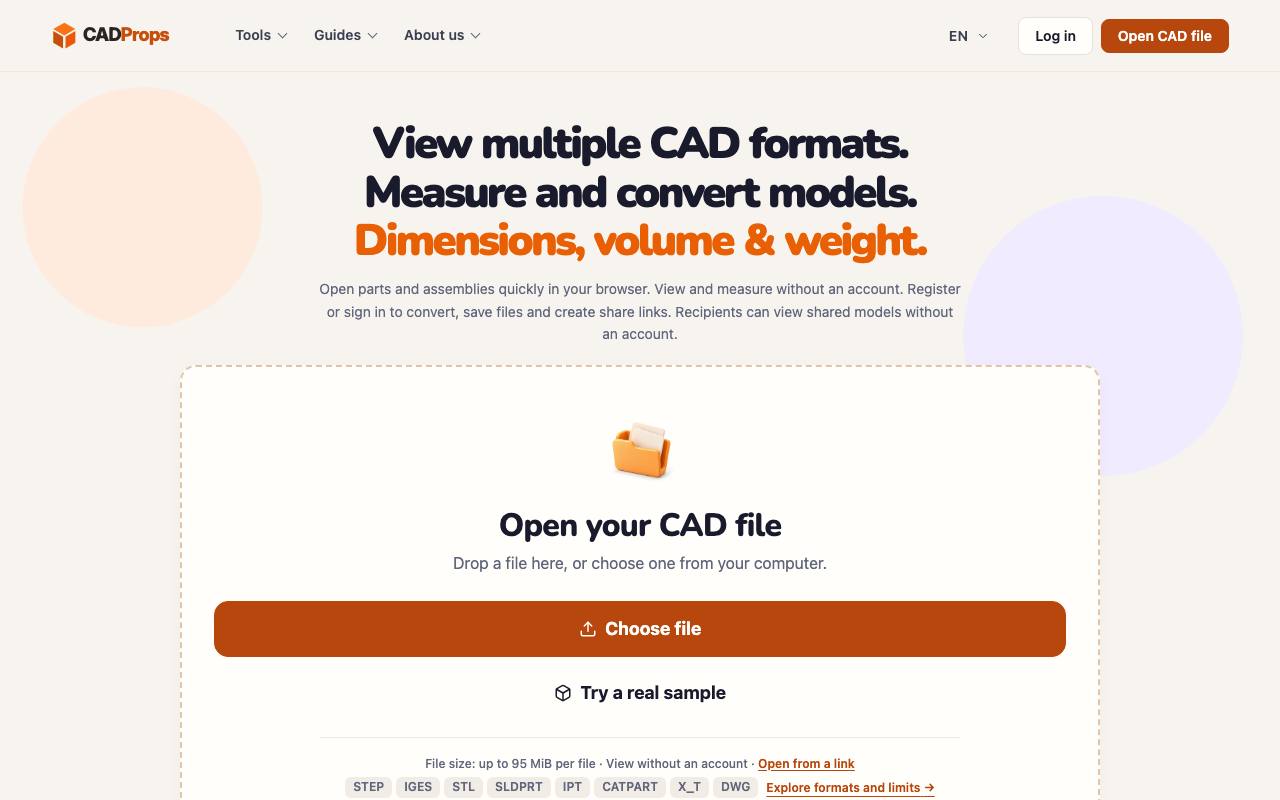
Attached to the quote request for a metal part is a 3D CAD file. The only computer that can open it belongs to an engineer who is on holiday. CADProps opens such files in a web browser, without a CAD program installed. It shows the part in 3D with its size along each axis, its volume and its surface area, and it estimates the weight from a material density you choose.
The site lists more than 55 file formats and extensions, including STL for 3D printing. Accuracy depends on the file: exchange formats such as STEP and IGES give values from the exact shape, while files stored as a net of small triangles give approximate ones. Each result carries the matching label, and for some native formats CADProps can show only the preview picture saved inside the file.
Native files from SolidWorks, Inventor, CATIA and Siemens NX are read on CADProps servers. Viewing and measuring work without an account, while converting and saving files need one. The privacy page says guest uploads are deleted after about an hour and saved files after 90 days without use.
Good fit if you…
- need a part's dimensions or weight for a quote without a CAD licence
- want to send a 3D model to someone who has no CAD software
Made CADProps? Get the badge
You're welcome to show the listing on your site. It's optional and free, and nothing about the listing depends on it.

Share the listing
More in Design, Photo & Video
See all →
Morie
Remove the wavy rainbow stripes from photos of screens and scanned prints

AI Icon Creator
Make an app icon from a few words and download it in every size the stores ask for

Client Review Desk
Collect client comments and approvals on each round of design images through a shared link

DishVivid
Brighten and crop photos of your real dishes for menus and delivery apps
HoopFile
Convert an embroidery file to the format your machine reads and check its stitches first