
Photopea
Open and edit layered PSD files and other images in a browser tab, no install
Forpeople who need to edit design files without installing an editor Web, Browser extension, API
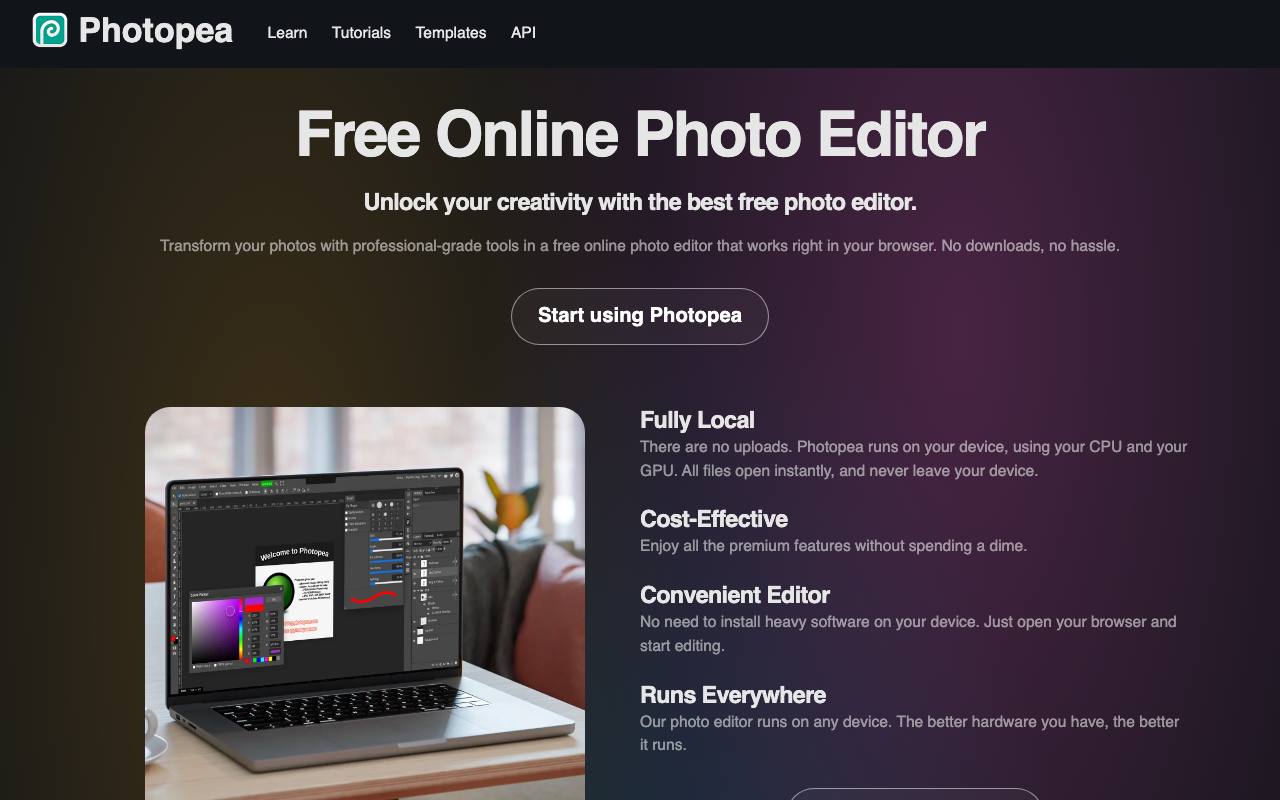
A designer sends a layered Photoshop file (PSD), and you only need to change one word in it. Without the program it was made in, the file will not open. So even that small change goes back to the sender, and the typo travels by email twice. Photopea opens these files in a browser tab, and the site says it fully supports PSD for opening and saving.
Other files are converted to PSD while you edit them. That covers Figma, Sketch, PDF, AI and CorelDRAW files, plus RAW camera photos in DNG, CR3, NEF and other formats. Vector tools handle logos and icons, and a timeline turns a document into a video that exports as MP4. Background removal takes one click, and a text prompt can replace part of a picture.
Editing runs on your own device's processor and graphics chip. The privacy policy says opened files never leave it, and the loaded page keeps working offline. Because nothing is uploaded, closing the tab without saving loses the work. The scripting guide says Photoshop scripts can run in Photopea too, and repeated steps can be recorded as actions or written in JavaScript.
Good fit if you…
- receive PSD or Sketch files and need to change text or layers yourself
- want image work to stay on your own computer
Made Photopea? Get the badge
You're welcome to show the listing on your site. It's optional and free, and nothing about the listing depends on it.

Share the listing
More in Design, Photo & Video
See all →
CADProps
Open a 3D design file in the browser and read its size, volume and weight

Morie
Remove the wavy rainbow stripes from photos of screens and scanned prints

AI Icon Creator
Make an app icon from a few words and download it in every size the stores ask for

Client Review Desk
Collect client comments and approvals on each round of design images through a shared link

DishVivid
Brighten and crop photos of your real dishes for menus and delivery apps