MKClip
Animate flat screenshots of your app or website into a short showcase video
Fordesigners and makers who show off apps and websites Web
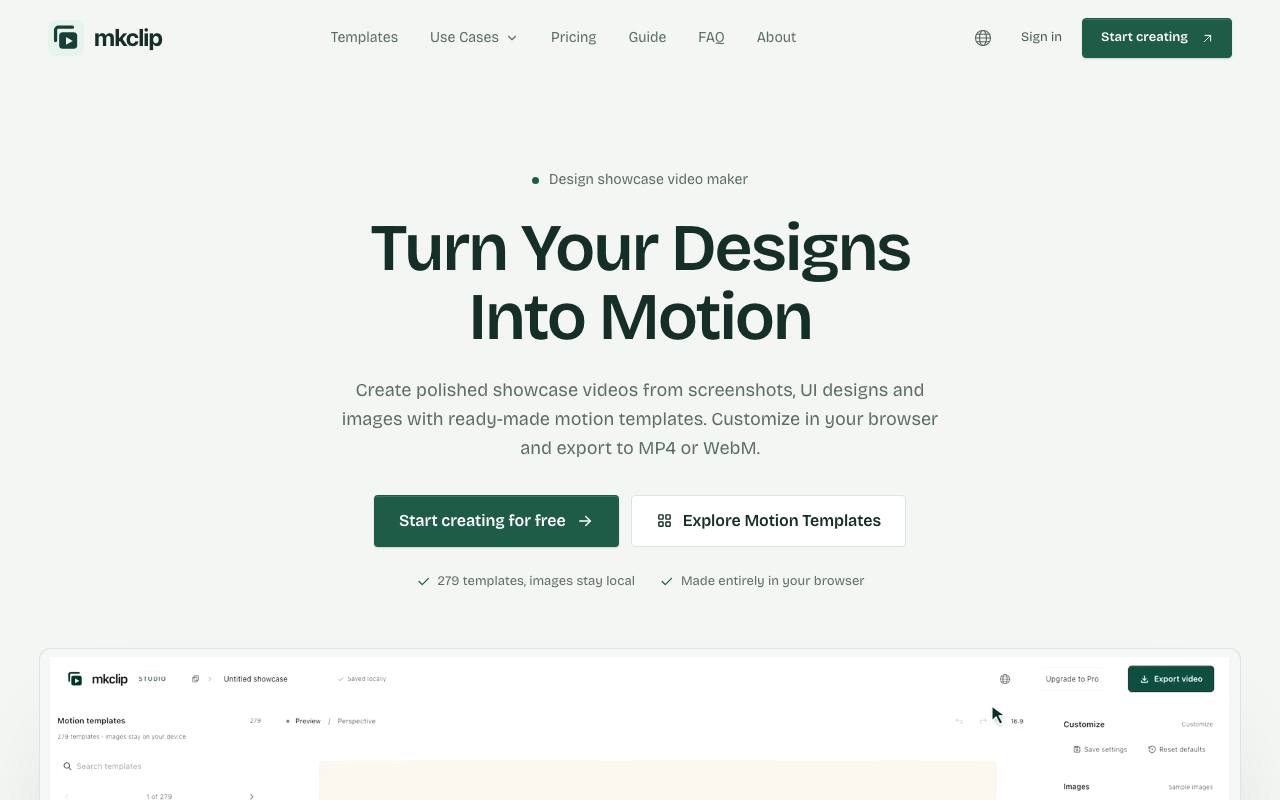
Three still screenshots in a launch post get scrolled past, while animating them in a video editor eats an afternoon of keyframes. MKClip skips the timeline and starts from one of 279 motion templates, for example a revolving ring of images or a slow filmstrip. You drop screenshots or UI designs into the template and adjust timing, scale, spacing and background. The result is an MP4 or WebM file, wide for a website or upright for a phone.
The editor runs in the browser, and the privacy policy says images and projects never leave the device. Projects are kept only in local storage, so clearing browser data or switching computers loses them. Exporting needs an account, and the top resolution depends on what the device can handle. The interface comes in English and Chinese.
Good fit if you…
- launch an app or site and need a short video of its screens
- want to keep unreleased designs off other people's servers
Made MKClip? Get the badge
You're welcome to show the listing on your site. It's optional and free, and nothing about the listing depends on it.

Share the listing
More in Design, Photo & Video
See all →
CADProps
Open a 3D design file in the browser and read its size, volume and weight

Morie
Remove the wavy rainbow stripes from photos of screens and scanned prints

AI Icon Creator
Make an app icon from a few words and download it in every size the stores ask for

Client Review Desk
Collect client comments and approvals on each round of design images through a shared link

DishVivid
Brighten and crop photos of your real dishes for menus and delivery apps