HoopFile
Convert an embroidery file to the format your machine reads and check its stitches first
Forhome and small-shop machine embroiderers Web
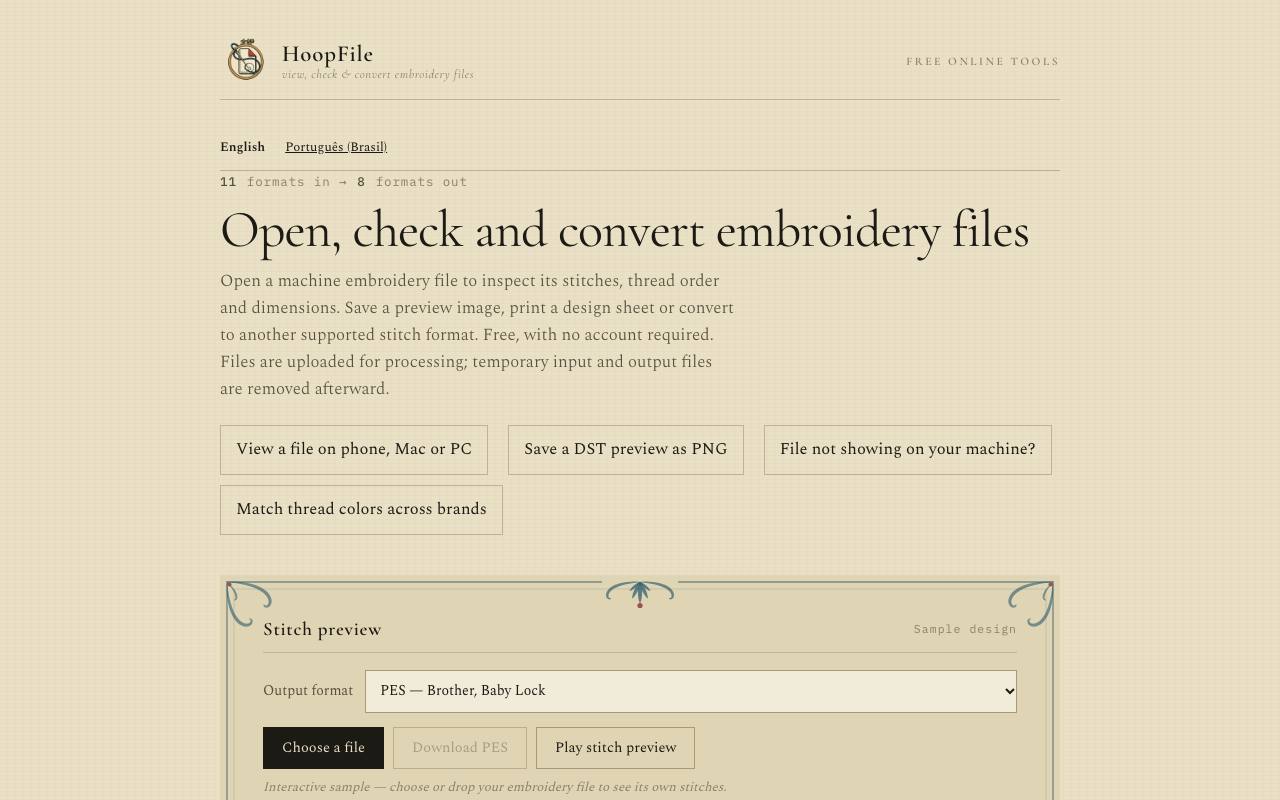
The design you bought online comes as a PES file for Brother machines, and the Janome in the spare room only reads JEF. On HoopFile the file can move between eight machine formats, and three older formats open for viewing only. Before the download, a preview plays the stitches and lists the stitch count, thread order, design size, jumps and trims.
Files of up to 20 MB go to the maker's server for processing, even when you only view them. The privacy page says the temporary input and output files are removed afterwards. The tool re-encodes the existing stitch paths and leaves the design as it is. Each converter page explains what can change on the way, for example missing thread colours in a DST or EXP file.
A logo in JPG or PNG still needs digitising elsewhere, because HoopFile works only with existing machine files. An area check compares the design with the embroidery area you enter for your machine. A thread colour converter takes a thread number from one brand and suggests the closest colour in another, across 20 thread lines. The site is available in English and Brazilian Portuguese.
Good fit if you…
- have a design in a format your embroidery machine does not read
- want to check stitch count, size and thread order before stitching a file
Made HoopFile? Get the badge
You're welcome to show the listing on your site. It's optional and free, and nothing about the listing depends on it.

Share the listing
More in Design, Photo & Video
See all →
CADProps
Open a 3D design file in the browser and read its size, volume and weight

Morie
Remove the wavy rainbow stripes from photos of screens and scanned prints

AI Icon Creator
Make an app icon from a few words and download it in every size the stores ask for

Client Review Desk
Collect client comments and approvals on each round of design images through a shared link

DishVivid
Brighten and crop photos of your real dishes for menus and delivery apps