Flipaview
Shrink or convert a photo in the browser without uploading it anywhere
Forpeople who fix a photo now and then and want it to stay on their device Web
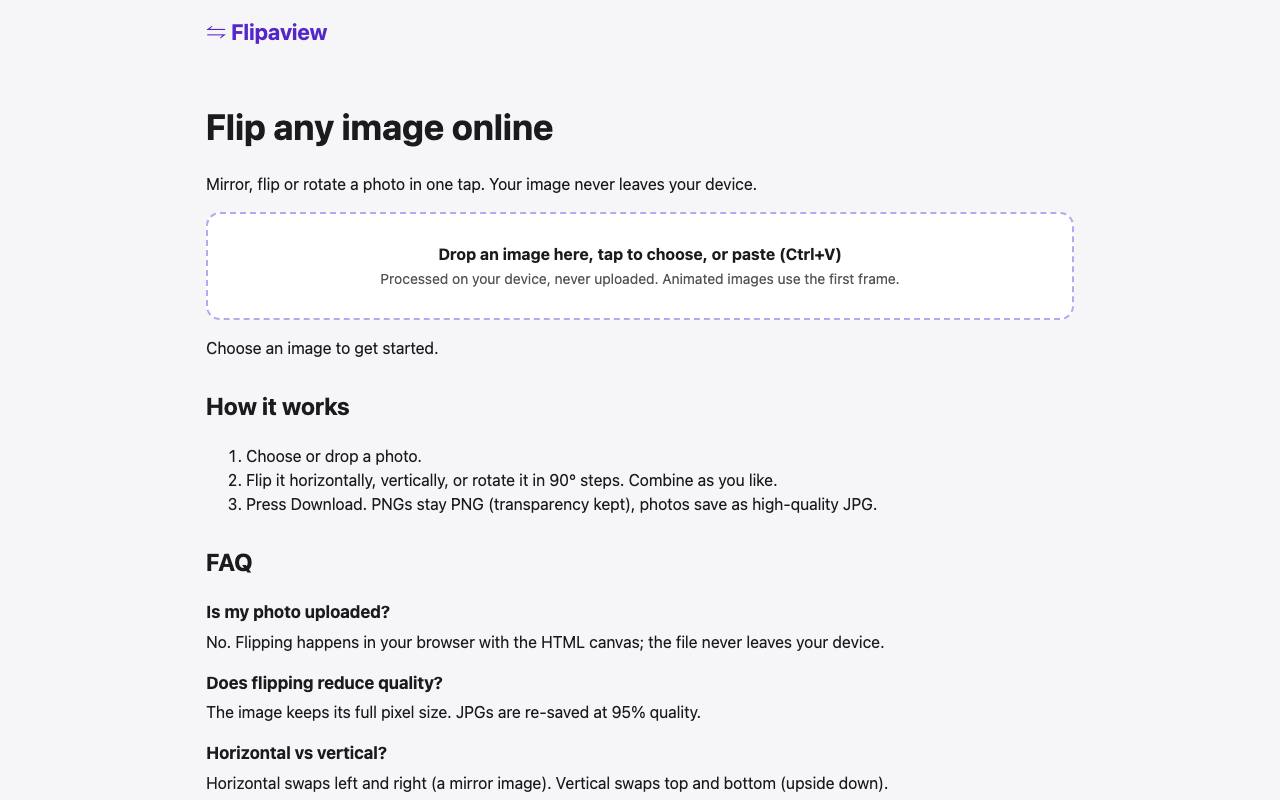
The phone saved the passport photo as HEIC, but the visa form only takes a JPG under 100 KB. The first converter in the search results then wants the picture on a server you know nothing about. Flipaview does such jobs inside the browser tab, on your own phone or computer. The site lists 124 tools with one task per page, including flipping, cropping, batch HEIC conversion and passport sizes.
Simple edits run on the browser's drawing functions. Heavier tools fetch an engine the first time and keep it cached, about 19 MB for the background remover. Its page warns that fine hair and busy scenes may need cleanup by hand. Text recognition works on English screenshots only and loads a separate engine of about 7 MB.
The 2× upscaler smooths and sharpens the picture without an AI model, so it adds no invented detail. The footer says the tools need no sign-up and set no cookies. A finished download sends only the name of the tool to a usage counter.
Good fit if you…
- need a photo at an exact pixel or file size for a form or a profile
- would rather not upload private pictures to an unknown server
Made Flipaview? Get the badge
You're welcome to show the listing on your site. It's optional and free, and nothing about the listing depends on it.

Share the listing
More in Design, Photo & Video
See all →
CADProps
Open a 3D design file in the browser and read its size, volume and weight

Morie
Remove the wavy rainbow stripes from photos of screens and scanned prints

AI Icon Creator
Make an app icon from a few words and download it in every size the stores ask for

Client Review Desk
Collect client comments and approvals on each round of design images through a shared link

DishVivid
Brighten and crop photos of your real dishes for menus and delivery apps