Canva
Start flyers, slides, social posts and videos from a template, not a blank page
Forteams and individuals who make their own graphics without a designer Web, Mac, Windows, iPhone, Android, API
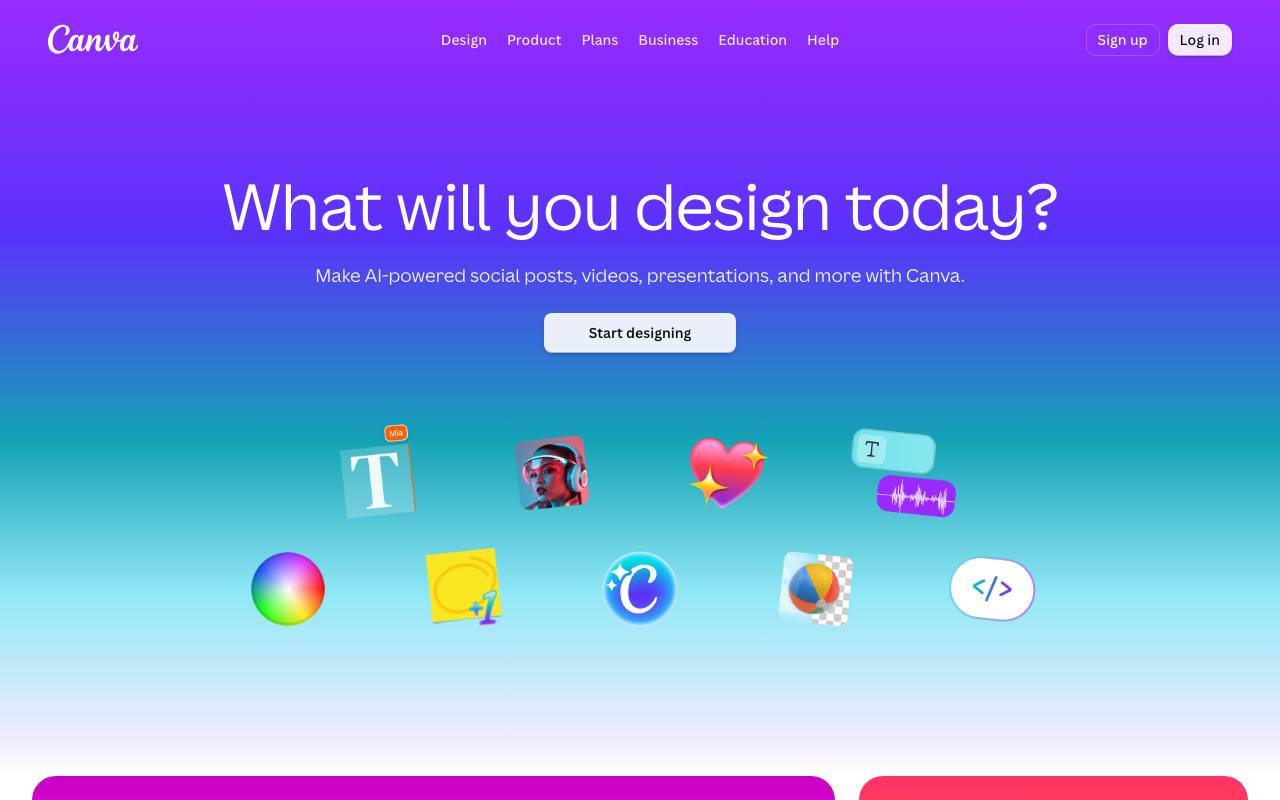
The school fair needs a flyer by Friday, and the person asked to make it has never designed anything. Without design training, they have to work out where the text and pictures should go, usually starting from an empty page. Canva starts each design from a template that you change in the browser by dragging photos and text boxes into place. The Brand Kit keeps a team's fonts and logos ready for every new design, and Magic Resize turns one layout into the sizes other channels or print formats need.
Canva's editor also handles presentations, short videos, docs and whiteboards. Of the built-in AI tools, Magic Layers splits a flat image into parts you can move and edit, and Magic Write drafts text. Other tools remove backgrounds and objects from photos or add captions to video, and the generators make images and sound, from music to voiceovers. Finished designs can go to Print Shop, which prints and delivers business cards, invitations, T-shirts or mugs.
Canva connects to work tools like Slack and Google Workspace, and an AI connector lets chat assistants create and export designs. The Apps Marketplace holds over 300 design apps, the business page says, and developers can build their own with the Connect APIs and the Apps SDK. Besides the web version, Canva has apps for macOS, Windows, iOS and Android.
Good fit if you…
- need social posts, slides and print material that share one look
- want to order printed items straight from the design
Made Canva? Get the badge
You're welcome to show the listing on your site. It's optional and free, and nothing about the listing depends on it.

Share the listing
More in Design, Photo & Video
See all →
CADProps
Open a 3D design file in the browser and read its size, volume and weight

Morie
Remove the wavy rainbow stripes from photos of screens and scanned prints

AI Icon Creator
Make an app icon from a few words and download it in every size the stores ask for

Client Review Desk
Collect client comments and approvals on each round of design images through a shared link

DishVivid
Brighten and crop photos of your real dishes for menus and delivery apps