
Auto Caption
Add styled subtitles to a video and fix every word before you post it
Forcreators and marketers who post talking videos Web
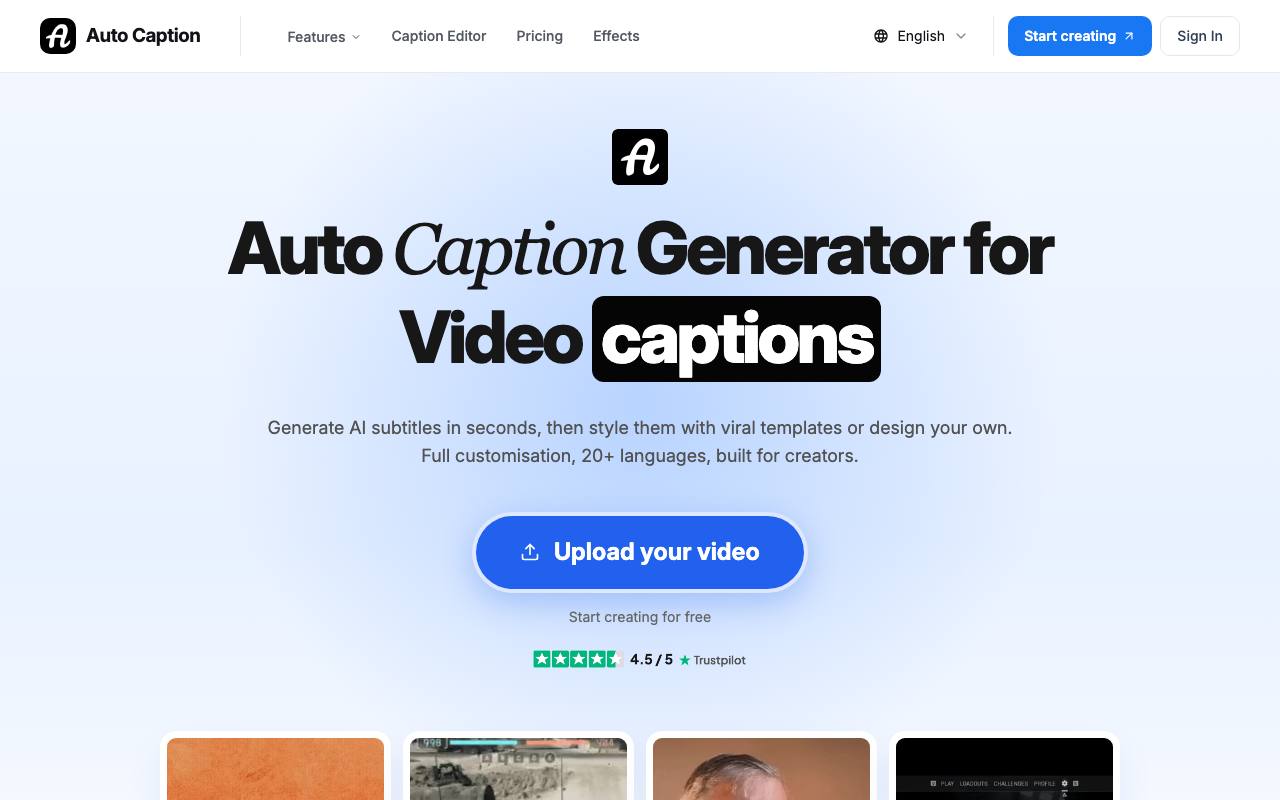
Hand-typed subtitles for a two-minute clip take longer than the filming did and still drift behind the speaker. In Auto Caption, the subtitles come from the speech in the video and open in an editor in the browser. There you correct words and timing, and split or merge lines that came out too long. The finished video downloads with the captions burned into the picture.
According to the site, the video file itself stays on your computer, and the captioned video is rendered there too. For AI captions, the browser pulls out the audio track and sends only that to a transcription service. The editor takes MP4, MOV, WebM and other common formats in any aspect ratio, and subtitle files you already have in SRT or VTT format can be imported and restyled.
Good fit if you…
- post short clips that people watch with the sound off
- want to check AI subtitles word by word before export
Made Auto Caption? Get the badge
You're welcome to show the listing on your site. It's optional and free, and nothing about the listing depends on it.

Share the listing
More in Design, Photo & Video
See all →
CADProps
Open a 3D design file in the browser and read its size, volume and weight

Morie
Remove the wavy rainbow stripes from photos of screens and scanned prints

AI Icon Creator
Make an app icon from a few words and download it in every size the stores ask for

Client Review Desk
Collect client comments and approvals on each round of design images through a shared link

DishVivid
Brighten and crop photos of your real dishes for menus and delivery apps