SonicMeet
Follow Meet, Zoom or Teams calls with live translated captions and no bot joining
Forpeople in meetings held in their second language Browser extension, Windows, Mac
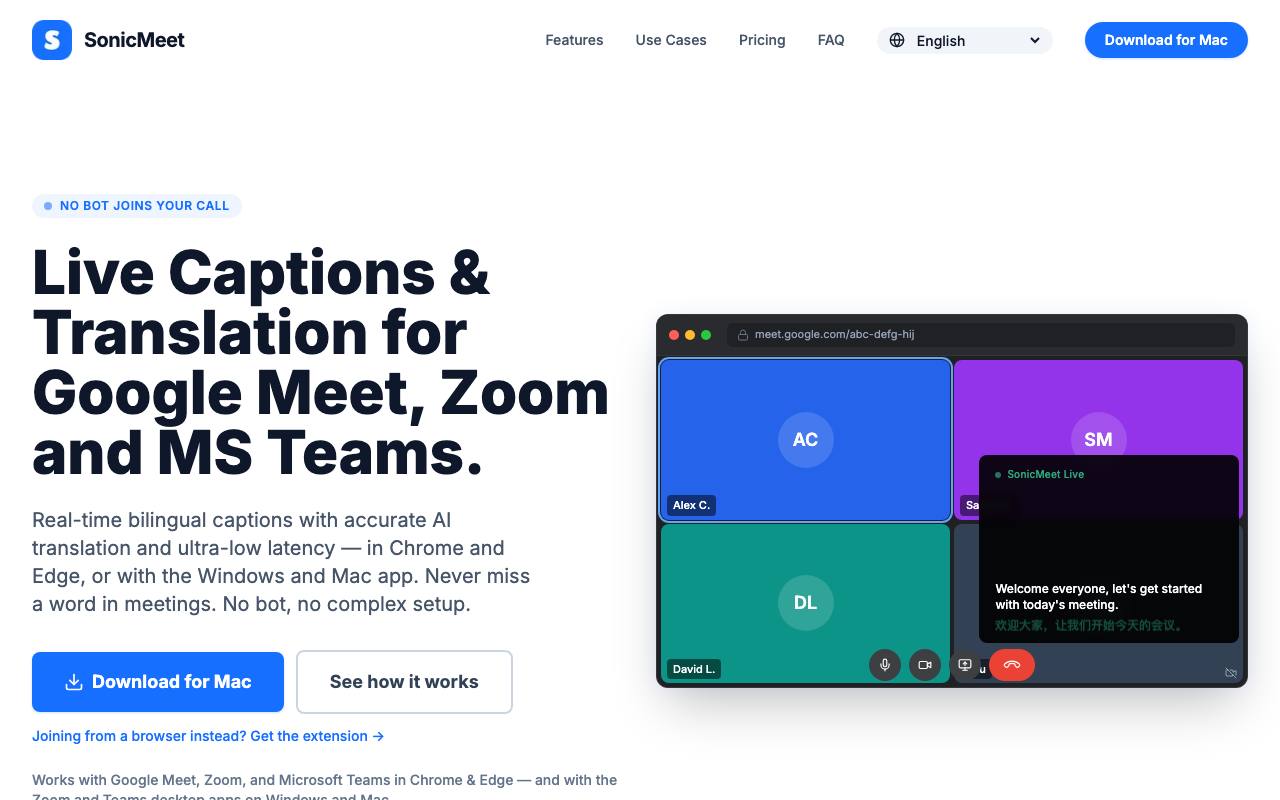
Somewhere in a fast meeting in your second language, you are still working out the last point while everyone has moved on to the next. Keeping up is tiring, and the usual note-taking tools also put a bot in the call that everyone else can see. SonicMeet picks up the meeting audio on your own computer and puts captions on your screen, with the spoken line and its translation shown together. Other people in the call see nothing unless you share your screen.
A browser extension and a desktop app both run under the same account. The extension listens to a Chrome or Edge tab, which covers Google Meet and the web versions of Zoom and Teams. The Windows and Mac app hears any sound the computer plays, so the desktop Zoom and Teams programs work too.
The site lists 62 languages and says the slower of two translation modes handles technical terms better. During the call, tapping a caption line saves it as a note.
The security page says audio is processed live and not kept as a recording, while the text of transcripts and notes is stored. That text stays in your history after the call, where you can search and export it, and an AI summary picks out decisions and action items.
Good fit if you…
- join calls held in a language that is not your first
- want captions without a note-taking bot in the meeting
Made SonicMeet? Get the badge
You're welcome to show the listing on your site. It's optional and free, and nothing about the listing depends on it.

Share the listing
More in Writing, Translation & Voice
See all →
English in Telugu Typing
Write Telugu words the way they sound on an English keyboard and get Telugu script

Elmren Voice
Make read-along audio from your own books and texts on your Mac, offline

Describe Image
Draft alt text and captions from the picture itself, for one photo or a whole batch
EarnDraft
Have an ebook drafted from your idea, chapters and cover included, then edit it

Image Describer
Copy the look of a reference picture into a prompt for an image generator