
Crontinel
Find out when a background job "succeeds" without doing anything
Fordevelopers who run scheduled jobs and queue workers, Laravel teams in particular Web, API
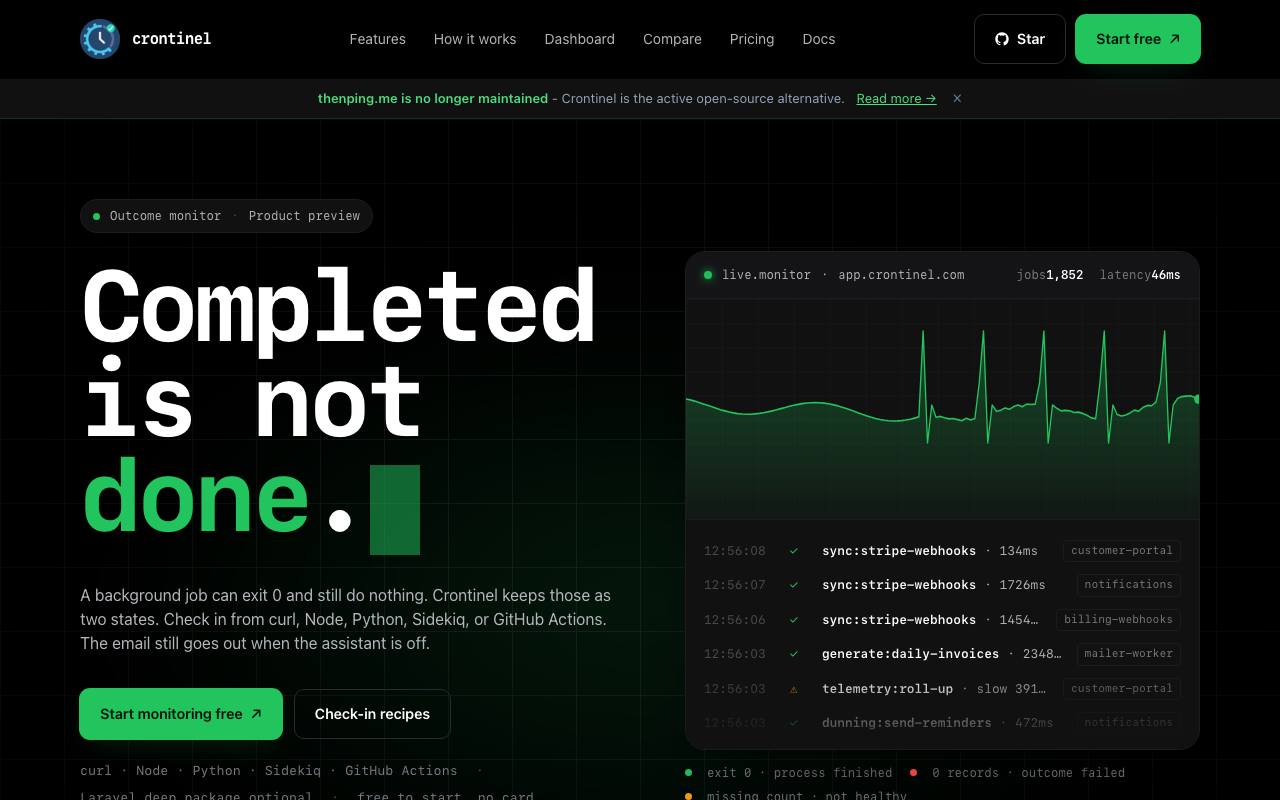
Your nightly invoice job ran. No errors, green checkmark, and it sent exactly zero invoices. Ordinary monitoring calls that a success, a bit like a smoke alarm that only checks whether it still has a battery. Crontinel looks at what the job actually did. After each run, the job sends a short receipt ("42 invoices sent"), and Crontinel compares it with a rule you set, such as "at least one record". Fall short, and you get an alert.
Getting started needs no new library: there are ready-made recipes for curl, Node, Python, Sidekiq and GitHub Actions. Laravel apps can use an open-source Composer package instead. It sends the receipt from the scheduler and adds queue depth and the state of Horizon, Laravel's queue dashboard.
Alerts arrive by email, and coding assistants can read the same incident through Crontinel's MCP server. The homepage says email is the only alert path checked so far, while the integrations page lists tools like Slack and PagerDuty. When a later run passes the rule again, the incident closes by itself.
Good fit if you…
- run a Laravel app with scheduled tasks, queues and Horizon
- have cron jobs in several languages and want one way to check them
Made Crontinel? Get the badge
You're welcome to show the listing on your site. It's optional and free, and nothing about the listing depends on it.

Share the listing
More in Developer Tools & APIs
See all →
HostingCompass
Compare hosting and domain offers by what they cost after the first year

NovaSynth
Throw simulated callers at your voice bot before real customers ring it

Zozo
Let AI coding agents work through your issue backlog and hand back pull requests

FutureInfra
Ask your AI coding assistant to put your app online, with server, address and HTTPS

xmcp
Write TypeScript functions that an AI assistant can call as tools