
BestLLMfor
Check which open AI models your PC or Mac can run before you download one
Forpeople who want to run AI models on their own computer Web, API
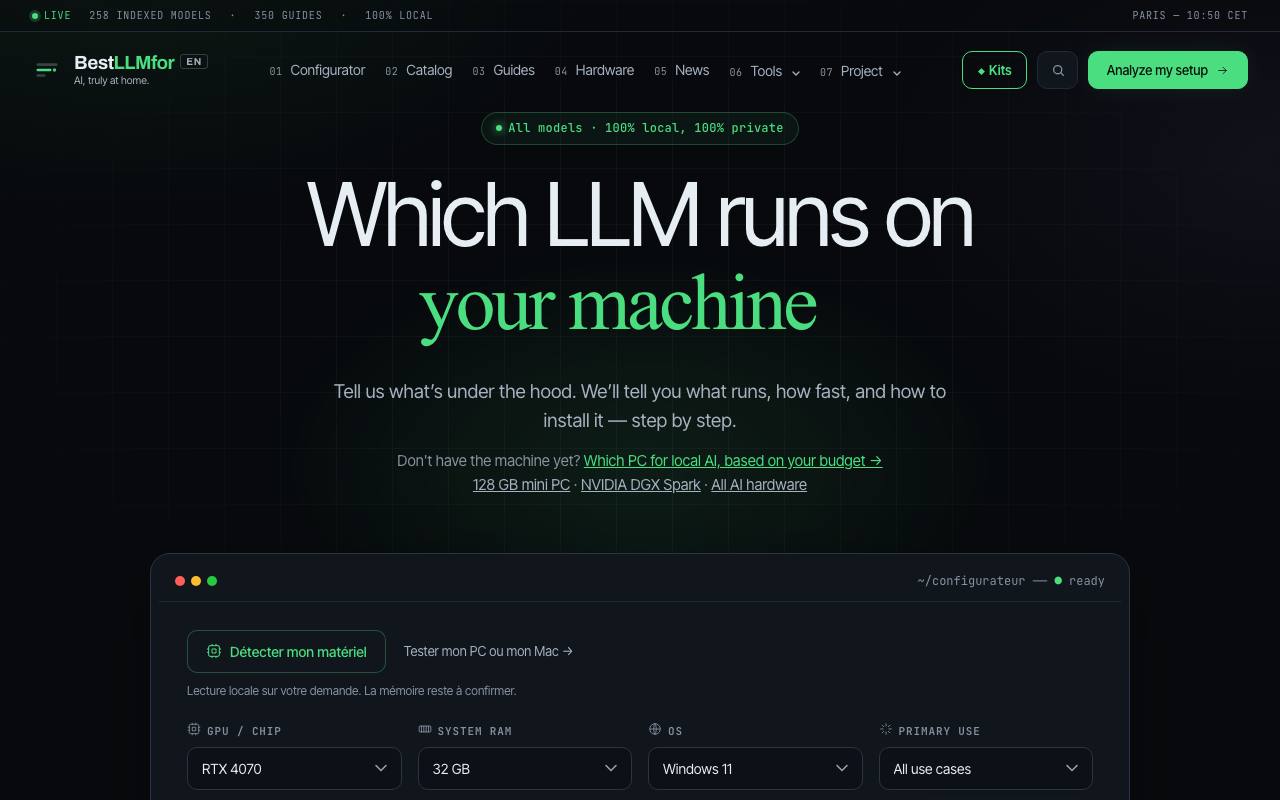
It takes an hour to download an open AI model and one second to find out it is too big for your graphics card. On BestLLMfor the machine comes first: you pick the graphics card or Mac chip, the memory, the system and what the model is for. The configurator then lists models that should run, with an estimated speed and the steps to install them.
Its suggestions come from a catalog of open models, 258 by the site's count, whose files anyone can download. Each entry shows the graphics memory a model needs at several levels of compression, which shrinks the files at some cost in quality. A separate calculator works out that memory from a model's size, and a comparison page sets two or three models next to each other.
The methodology page says the configurator's speeds come from a formula, while a benchmarks page lists figures measured on real machines. The memory check covers the model alone, so long conversations need spare room on top. Other apps can pull the same data from a JSON API, published under a CC BY 4.0 licence.
Good fit if you…
- want to know if a model fits your graphics card before downloading it
- want install steps that match your exact card or Mac
Made BestLLMfor? Get the badge
You're welcome to show the listing on your site. It's optional and free, and nothing about the listing depends on it.

Share the listing
More in Developer Tools & APIs
See all →
HostingCompass
Compare hosting and domain offers by what they cost after the first year

NovaSynth
Throw simulated callers at your voice bot before real customers ring it

Zozo
Let AI coding agents work through your issue backlog and hand back pull requests

FutureInfra
Ask your AI coding assistant to put your app online, with server, address and HTTPS

xmcp
Write TypeScript functions that an AI assistant can call as tools